

🦾 Inverse Kinematics & Motion Planning#
In this tutorial, we will go through several examples illustrating how to use solve inverse kinematics (IK) and motion planning in Genesis, and perform a simple grasping task.
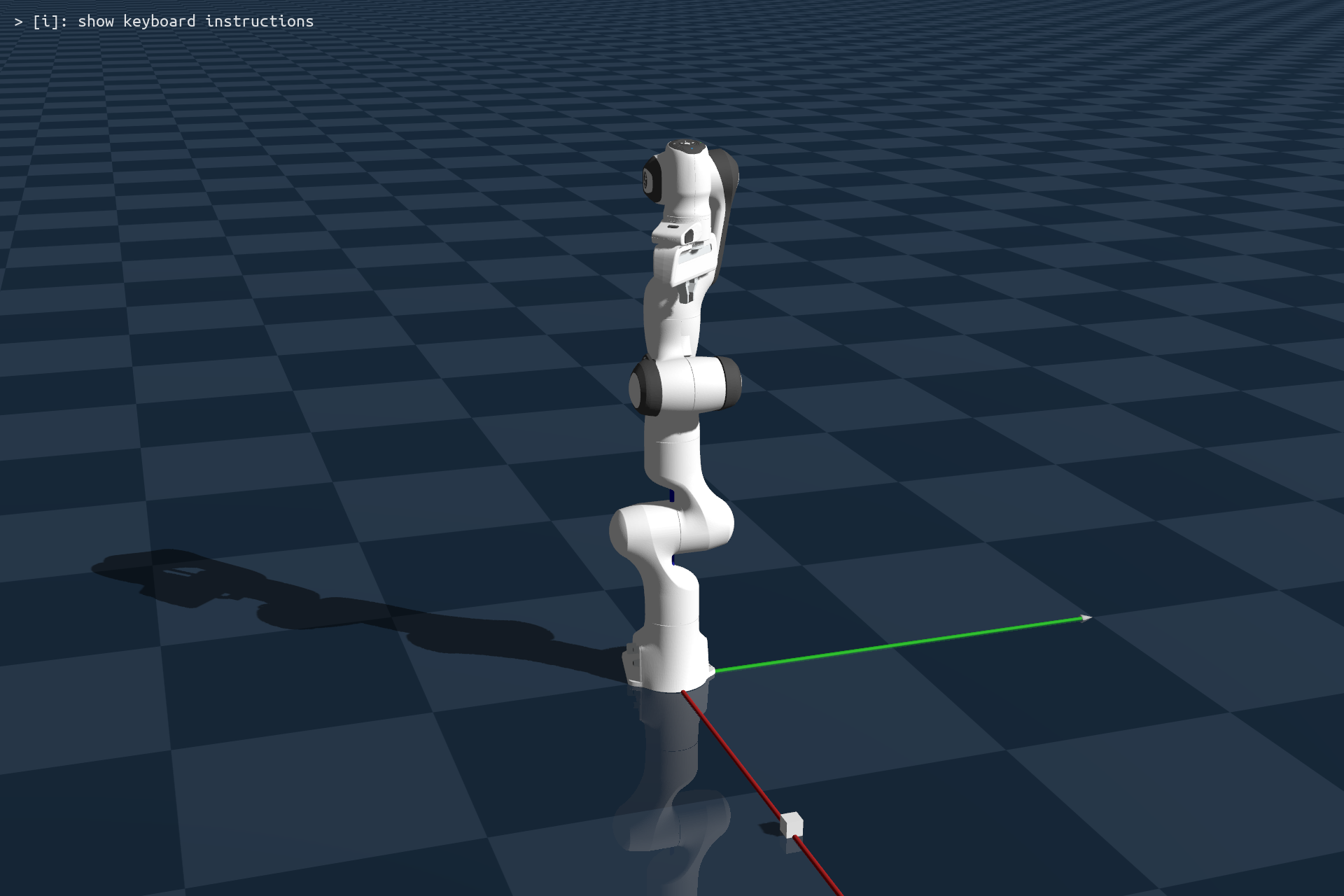
Let’s first create a scene, load your favorite robotic arm and a small cube, build the scene, and then set control gains:
import numpy as np
import genesis as gs

########################## init ##########################
gs.init(backend=gs.gpu)

########################## create a scene ##########################
scene = gs.Scene(
    sim_options = gs.options.SimOptions(
        dt = 0.01,
    ),
    viewer_options = gs.options.ViewerOptions(
        camera_pos    = (3, -1, 1.5),
        camera_lookat = (0.0, 0.0, 0.5),
        camera_fov    = 30,
        max_FPS       = 60,
    ),
    show_viewer = True,
)

########################## entities ##########################
plane = scene.add_entity(
    gs.morphs.Plane(),
)
cube = scene.add_entity(
    gs.morphs.Box(
        size = (0.04, 0.04, 0.04),
        pos  = (0.65, 0.0, 0.02),
    )
)
franka = scene.add_entity(
    gs.morphs.MJCF(file='xml/franka_emika_panda/panda.xml'),
)
########################## build ##########################
scene.build()

motors_dof = np.arange(7)
fingers_dof = np.arange(7, 9)

# set control gains
# Note: the following values are tuned for achieving best behavior with Franka
# Typically, each new robot would have a different set of parameters.
# Sometimes high-quality URDF or XML file would also provide this and will be parsed.
franka.set_dofs_kp(
    np.array([4500, 4500, 3500, 3500, 2000, 2000, 2000, 100, 100]),
)
franka.set_dofs_kv(
    np.array([450, 450, 350, 350, 200, 200, 200, 10, 10]),
)
franka.set_dofs_force_range(
    np.array([-87, -87, -87, -87, -12, -12, -12, -100, -100]),
    np.array([ 87,  87,  87,  87,  12,  12,  12,  100,  100]),
)
Next, let’s move the robot’s end-effector to a pre-grasping pose. This is done by two steps:
using IK to solve the joint position given a target end-effector pose
using a motion planner to reach the target position
Motion planning in genesis uses OMPL library. You can install it following the instructions in the installation page.
IK and motion planning in Genesis are as simple as it can get: each can be done via a single function call.
# get the end-effector link
end_effector = franka.get_link('hand')

# move to pre-grasp pose
qpos = franka.inverse_kinematics(
    link = end_effector,
    pos  = np.array([0.65, 0.0, 0.25]),
    quat = np.array([0, 1, 0, 0]),
)
# gripper open pos
qpos[-2:] = 0.04
path = franka.plan_path(
    qpos_goal     = qpos,
    num_waypoints = 200, # 2s duration
)
# execute the planned path
for waypoint in path:
    franka.control_dofs_position(waypoint)
    scene.step()

# allow robot to reach the last waypoint
for i in range(100):
    scene.step()
As you can see, both IK solving and motion planning are two integrated methods of the robot entity. For IK solving, you simply tell the robot’s IK solver which link is the end-effector, and specify the target pose. Then, you tell the motion planner the target joint position (qpos) and it will return a planned and smoothed list of waypoints. Note that after we execute the path, we let the controller run for another 100 steps. This is because we are using a PD controller, and there will be a gap between the desired target position and the current position. Therefore, we let the controller run a bit longer so that the robot can reach the last waypoint in the planned trajectory.
Next, we move the robot gripper down, grasp the cube, and lift it:
# reach
qpos = franka.inverse_kinematics(
    link = end_effector,
    pos  = np.array([0.65, 0.0, 0.130]),
    quat = np.array([0, 1, 0, 0]),
)
franka.control_dofs_position(qpos[:-2], motors_dof)
for i in range(100):
    scene.step()

# grasp
franka.control_dofs_position(qpos[:-2], motors_dof)
franka.control_dofs_force(np.array([-0.5, -0.5]), fingers_dof)

for i in range(100):
    scene.step()

# lift
qpos = franka.inverse_kinematics(
    link=end_effector,
    pos=np.array([0.65, 0.0, 0.28]),
    quat=np.array([0, 1, 0, 0]),
)
franka.control_dofs_position(qpos[:-2], motors_dof)
for i in range(200):
    scene.step()
When grasping the object, we used force control for the 2 gripper dofs, and applied a 0.5N grasping force. If everything goes right, you will see the object being grasped and lifted.